> For the complete documentation index, see [llms.txt](https://docs.stackerhq.com/stacker-astra/llms.txt). Markdown versions of documentation pages are available by appending `.md` to page URLs; this page is available as [Markdown](https://docs.stackerhq.com/stacker-astra/ai-and-automations/action-buttons/action-buttons-in-sections.md).
# Action buttons in Sections
### Add Action Button to Sections
1. Go to your detail layout
2. Click**Edit Layout**
3. Add a section
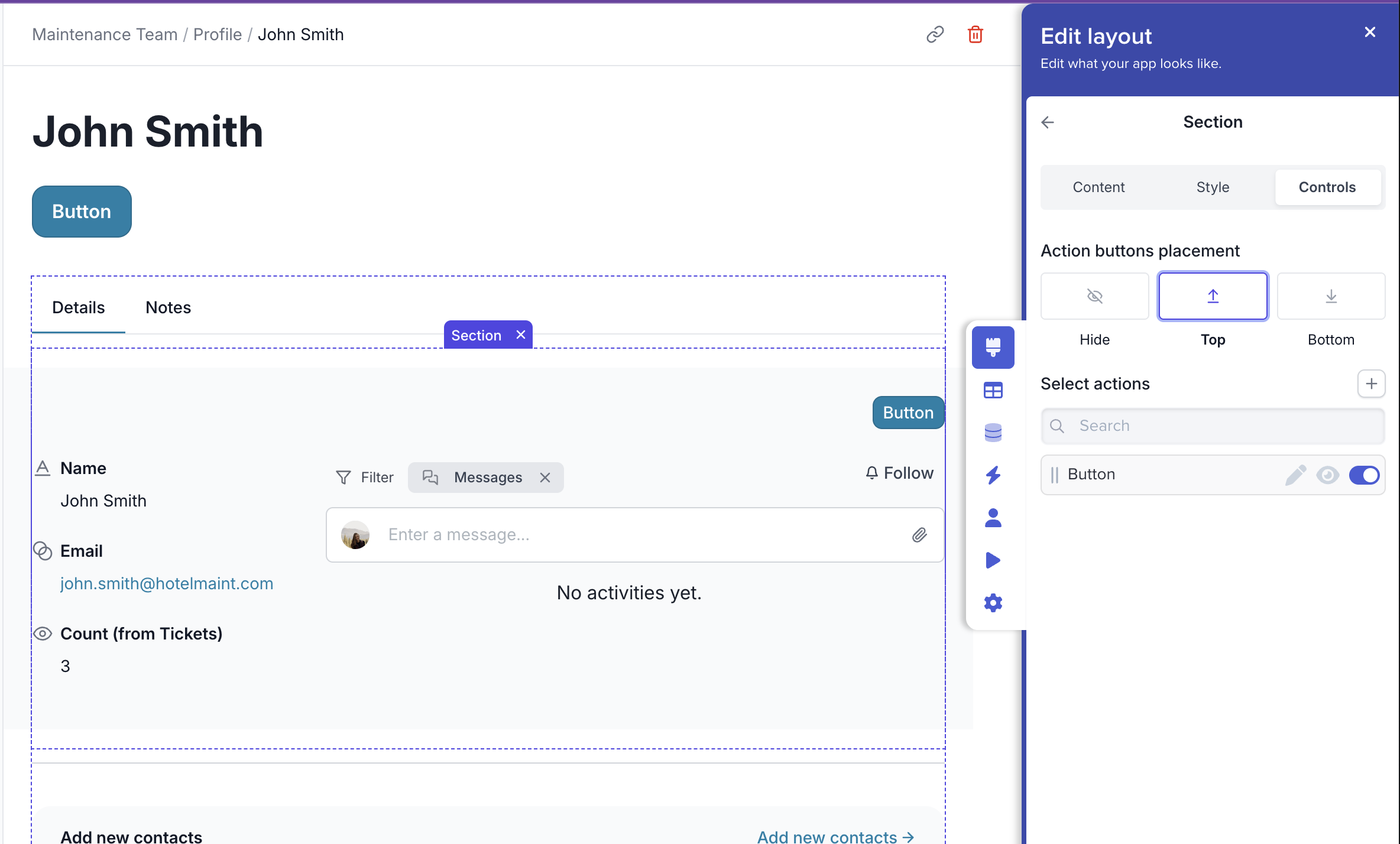
4. In the**Edit layout** sidebar, click the **Controls** tab
5. Toggle on the action button
6. Choose Top or Bottom to display the button
 **Edit Layout**
3. Add a section
4. In the
**Edit Layout**
3. Add a section
4. In the