> For the complete documentation index, see [llms.txt](https://docs.stackerhq.com/stacker-astra/llms.txt). Markdown versions of documentation pages are available by appending `.md` to page URLs; this page is available as [Markdown](https://docs.stackerhq.com/stacker-astra/data-management/edit-your-data-in-the-data-grid/linking-your-data.md).
# Linking your data
Link your tables together using linked fields
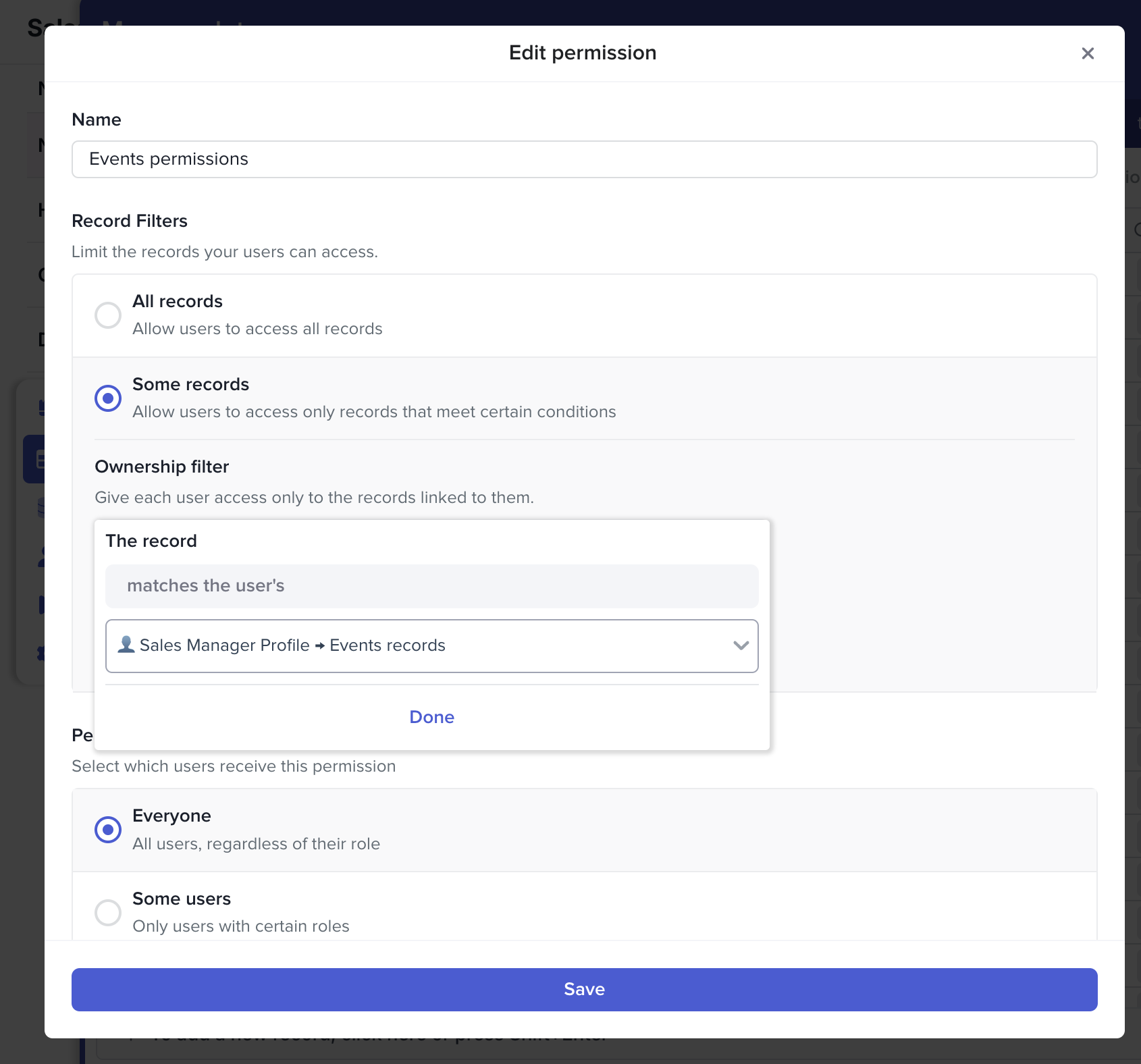
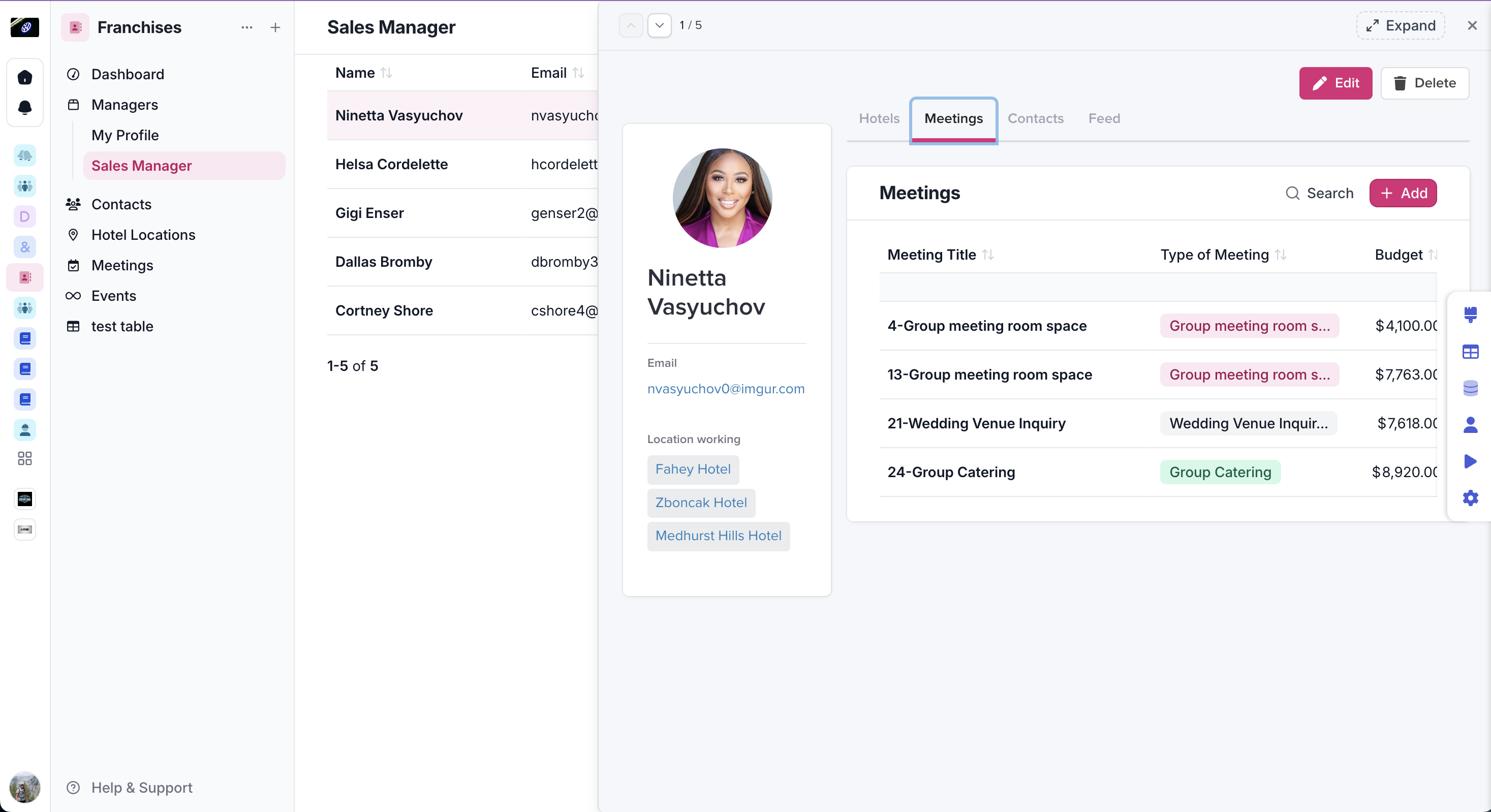
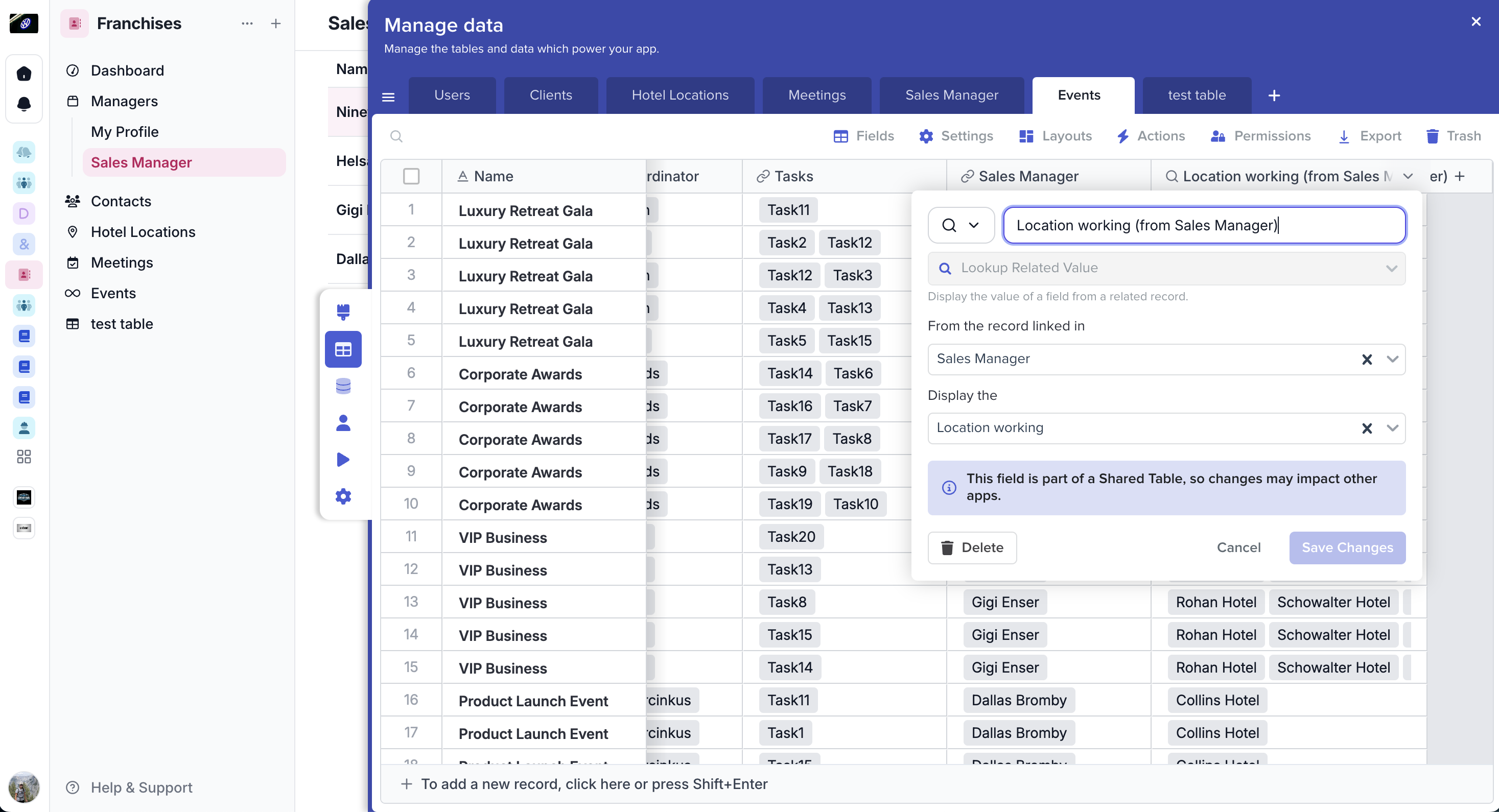
Link your tables and records together with linked fields. Linking records together can allow you to use more advanced features in Stacker, such as [**Ownership filters**](/stacker-astra/security/add-user-permissions/create-or-edit-a-permission-rule/ownership-filter.md)**,** [**Related Record Lists**](broken://pages/LOL7nSVcAoKiHXGytz4z#h_01fzg26n0dndvxhn3g2k6kk7sy)**,** and **Lookups.**
**Ownership Filter**
Using an ownership filter allows users to only see records related to them, keeping others information private.
**Related Record Lists**
Related record lists can be shown on detail pages of records so related information can be viewed from one place.
**Lookups**
Use the lookup field to pull information from linked tables.
### Link to another record
This allows you to link only one record to each other, this is used most often when connecting your users table or Key Contacts to Companies.
1. Add a new field
2. Choose a name and icon
3. Select **Link to another record**
4. Choose the table you want to link to
### Link to multiple records
This allows you to link many records to each other, for example, a recipe calls for multiple types of ingredients but other recipes can have the same ingredients as well.
1. Add a new field
2. Choose a name and icon
3. Select **Link to multiple records**
4. Choose the table you want to link to