> For the complete documentation index, see [llms.txt](https://docs.stackerhq.com/stacker-classic/llms.txt). Markdown versions of documentation pages are available by appending `.md` to page URLs; this page is available as [Markdown](https://docs.stackerhq.com/stacker-classic/users/users-overview.md).
# Users: Overview
There are two types of users in your Workspace:
* [Collaborators](#h_01G27K7KQZPYPHCNWY8ZBJDXY5)
* [App Users](#h_01GVG91BPAQZE32YB21NEEJ1AV)
## Collaborators
Collaborators will automatically have access to all non-private apps, which makes provisioning access much easier. They can also:
* Automatically have access to non-private apps
* Access all the apps they are granted access to
* Be allowed to create their own apps in the Workspace
* Be made admins on existing apps
* Log in using SSO (Enterprise only)
A limited number of collaborators is included in [each pricing plan](https://www.stackerhq.com/pricing). Every collaborator above your plan's limit is an additional $19 per month.
### Collaborator roles
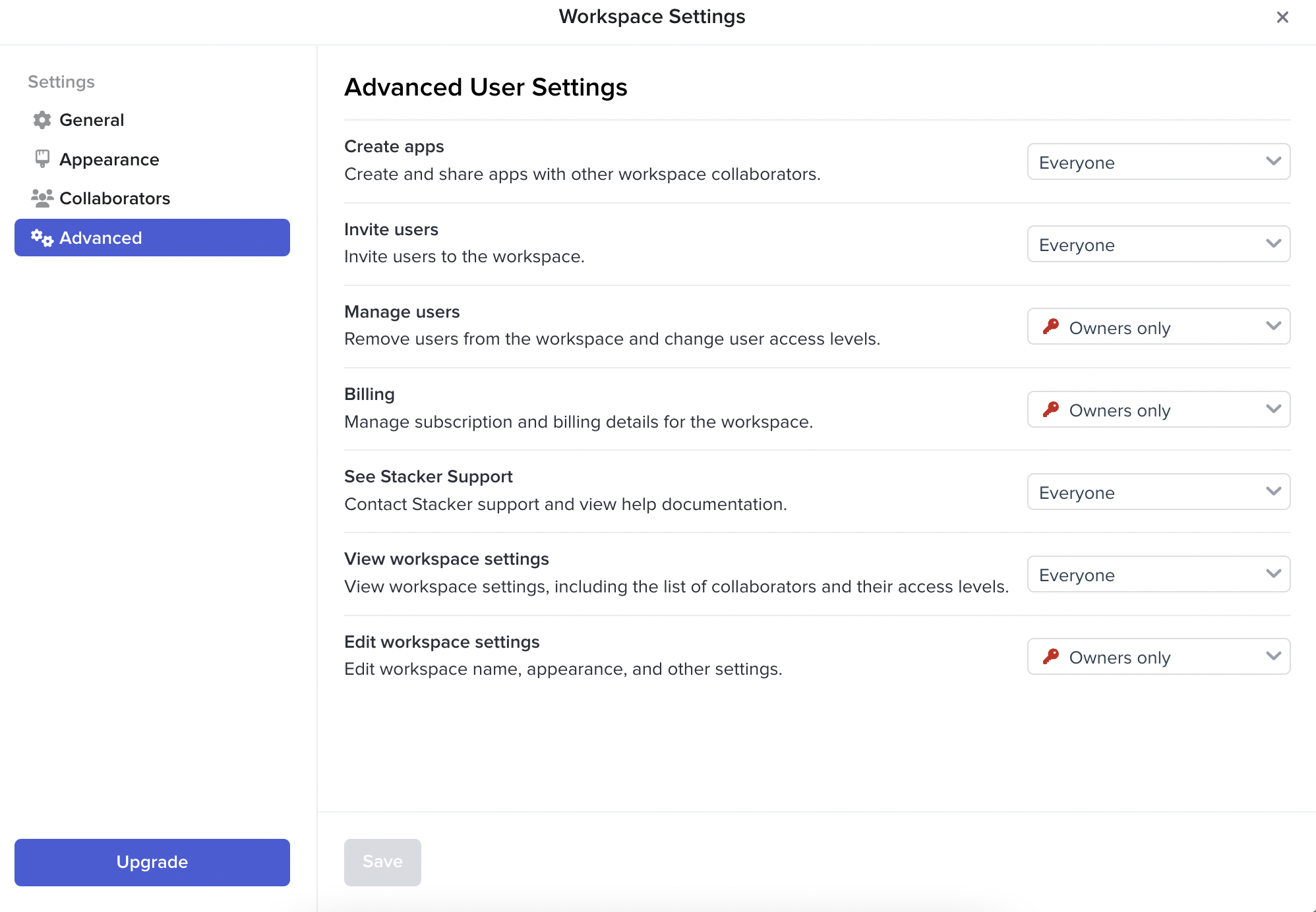
Collaborators can be in one of two Workspace roles.
* Owners
* Standard
You can choose how different the roles are with Workspace permissions:
## App Users
App users need to be provisioned to each app separately, either manually in Stacker, or by connecting a User table.
App users can:
* Access all the apps they are granted access to
* Have App Roles and Permissions applied to them
* Be synced in from a user table in your data source or added directly into the app
App users cannot:
* Create their own apps
* Be made admins on existing apps
App users don't count towards your pricing plan limit.
## When to use Collaborators or App users
If you want a person to be able to edit your Workspace or manage Apps, you will want to add them as a collaborator. If a person only needs access to see, edit and create data within apps, add them as an app user.